
How can I change/ delete my payment data?
You can change or delete your payment data with a new payment.
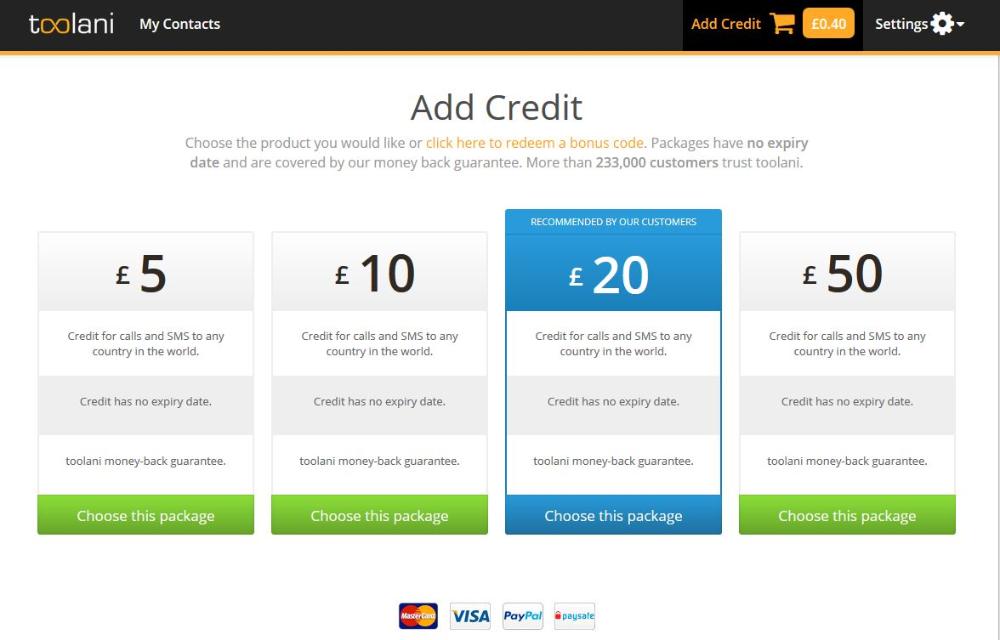
- Click on "Add credit" in the toolani member area and choose an amount www.toolani.com/r/ma-add-credit (picture 1).
- In the next step "Choose a payment method" you can delete your existing credit card or bank account data by clicking on "remove data" next to the relevant payment method (picture 2).
- Now you can enter your new payment data and finish the payment or simply cancel the payment.

Heeft u dit artikel geholpen?
Bericht verstuurd!
Uw bericht wordt succesvol verstuurd. Wij zullen uw aanvraag zo snel mogelijk bewerken en een mailtje naar u sturen.
Dank u wel! Uw team-toolani
Dank u wel! Wij zullen zo snel mogelijk reageren op uw feedback! Uw toolani team
Dank u wel! Wij zullen zo snel mogelijk reageren op uw feedback! Uw toolani team
Bericht niet verstuurd!
Uw bericht werd niet verzonden. Probeer het alstublieft wat later opnieuw.
Bedankt! Uw toolani-team.